 mygoober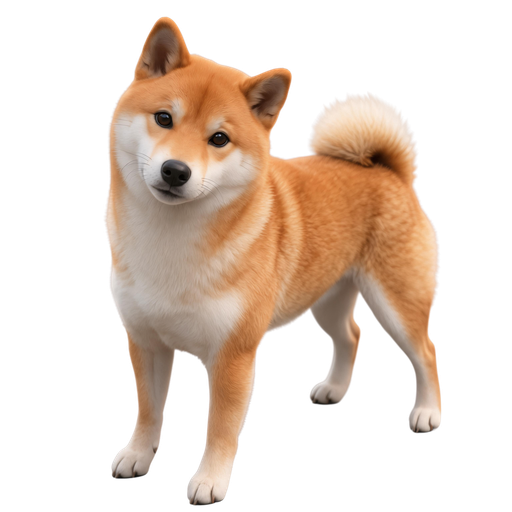
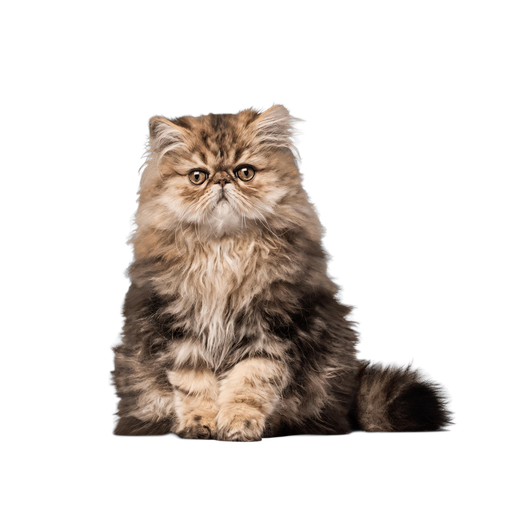
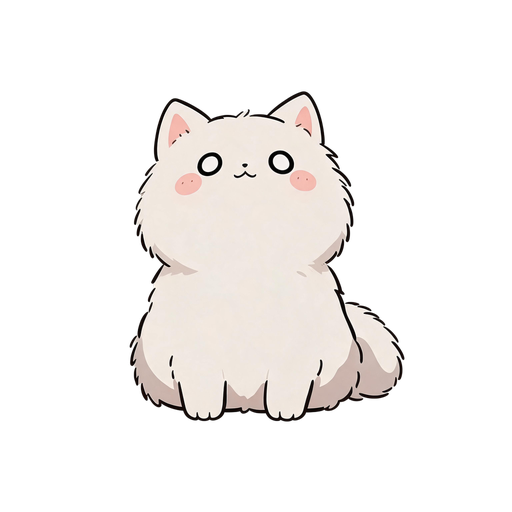
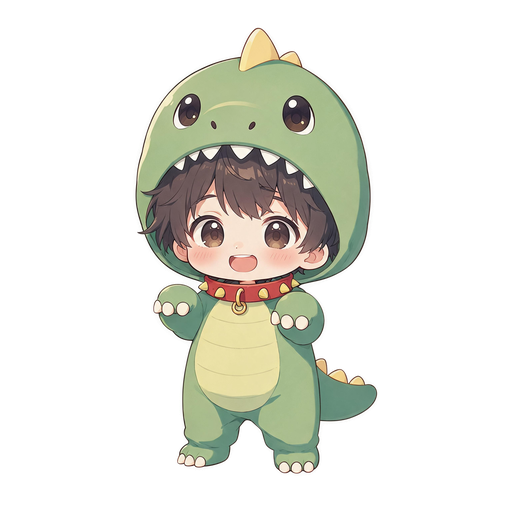
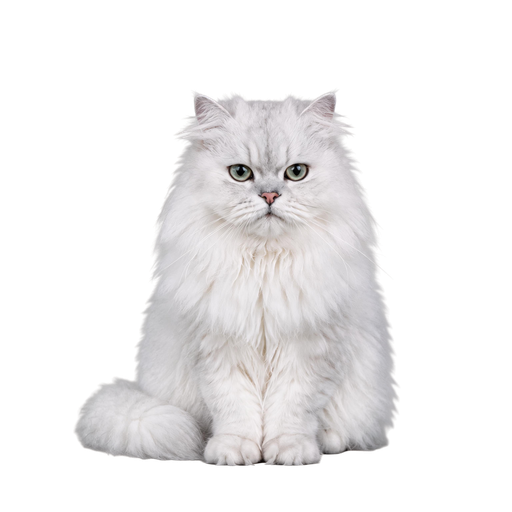


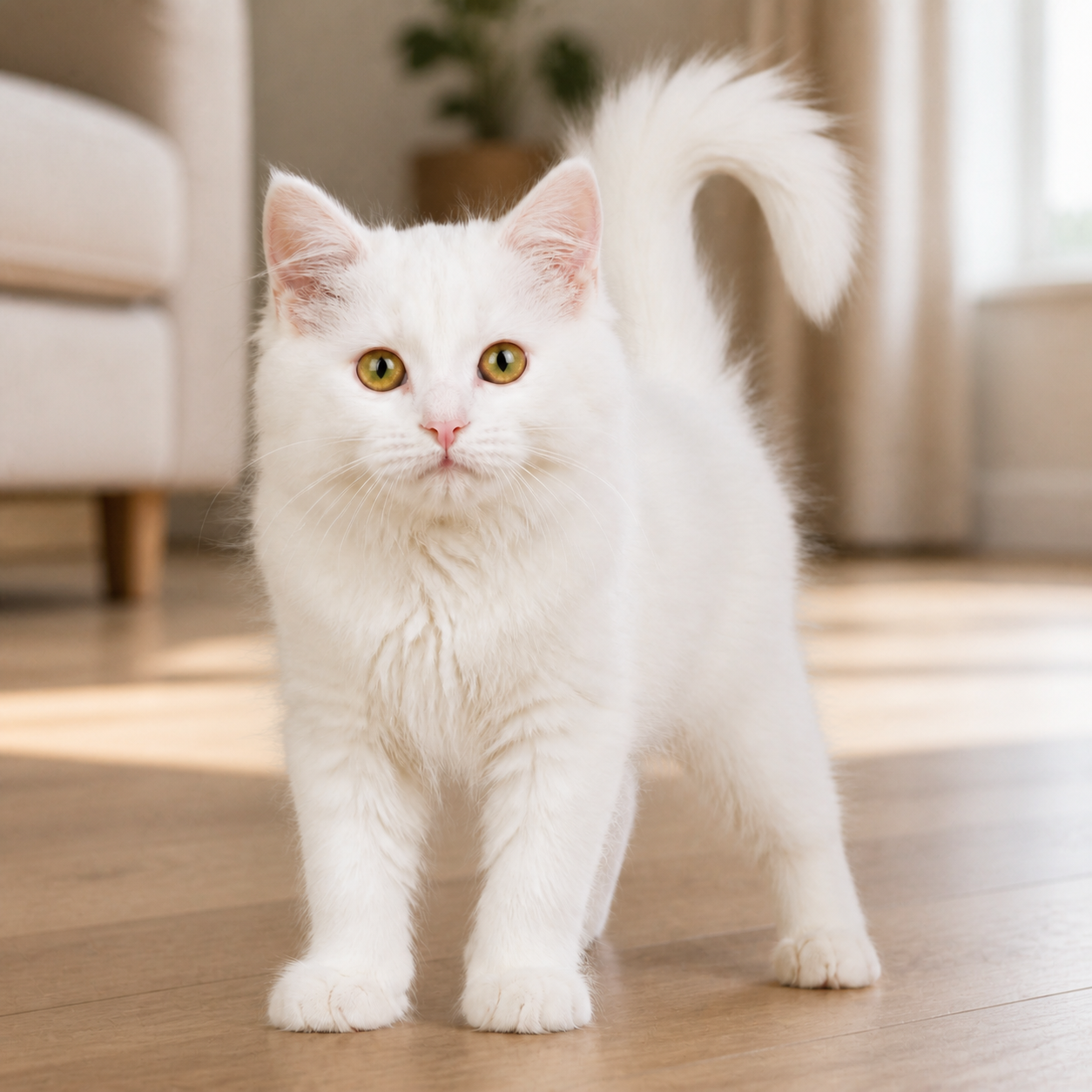
Upload a photo
Choose a clear photo of a pet or person.
mygoober turns a pet or person photo into an interactive AI desktop pet for Windows. Upload a photo, choose a style, and create your own Goober.
For Windows 10/11
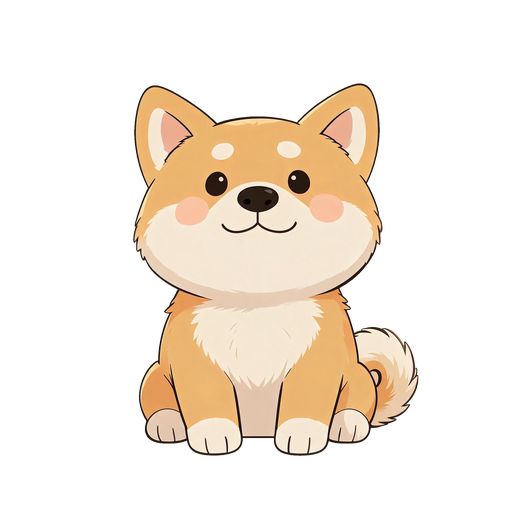
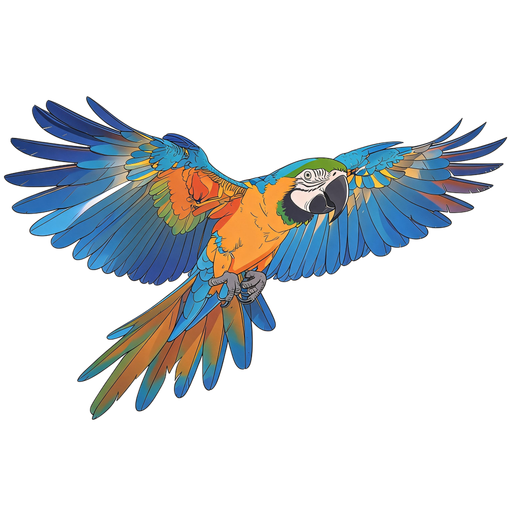
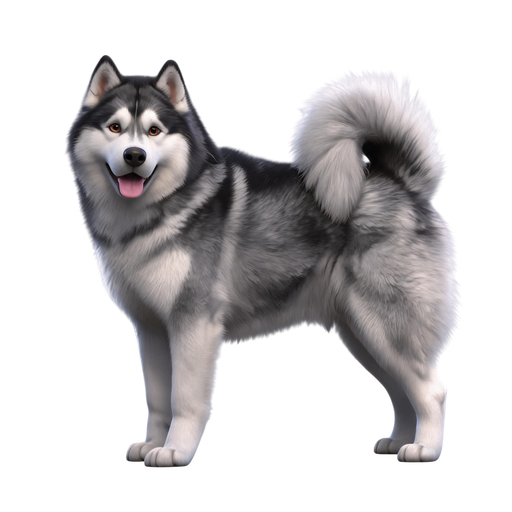
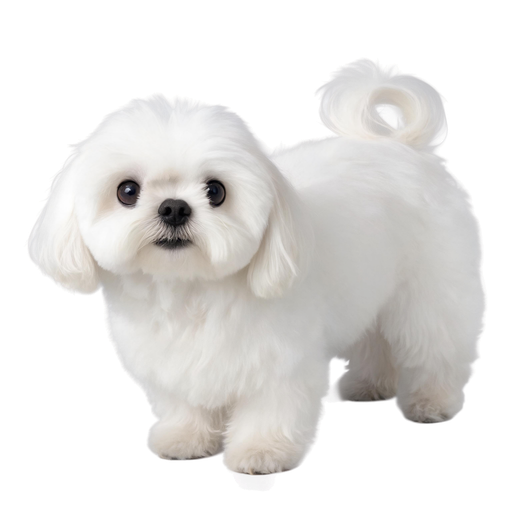
Start with a character you love. Pick a Goober from the free library and bring it to your desktop.
Turn your photo into a personal AI desktop pet.
Choose a clear photo of a pet or person.
Pick the style you want for your Goober.
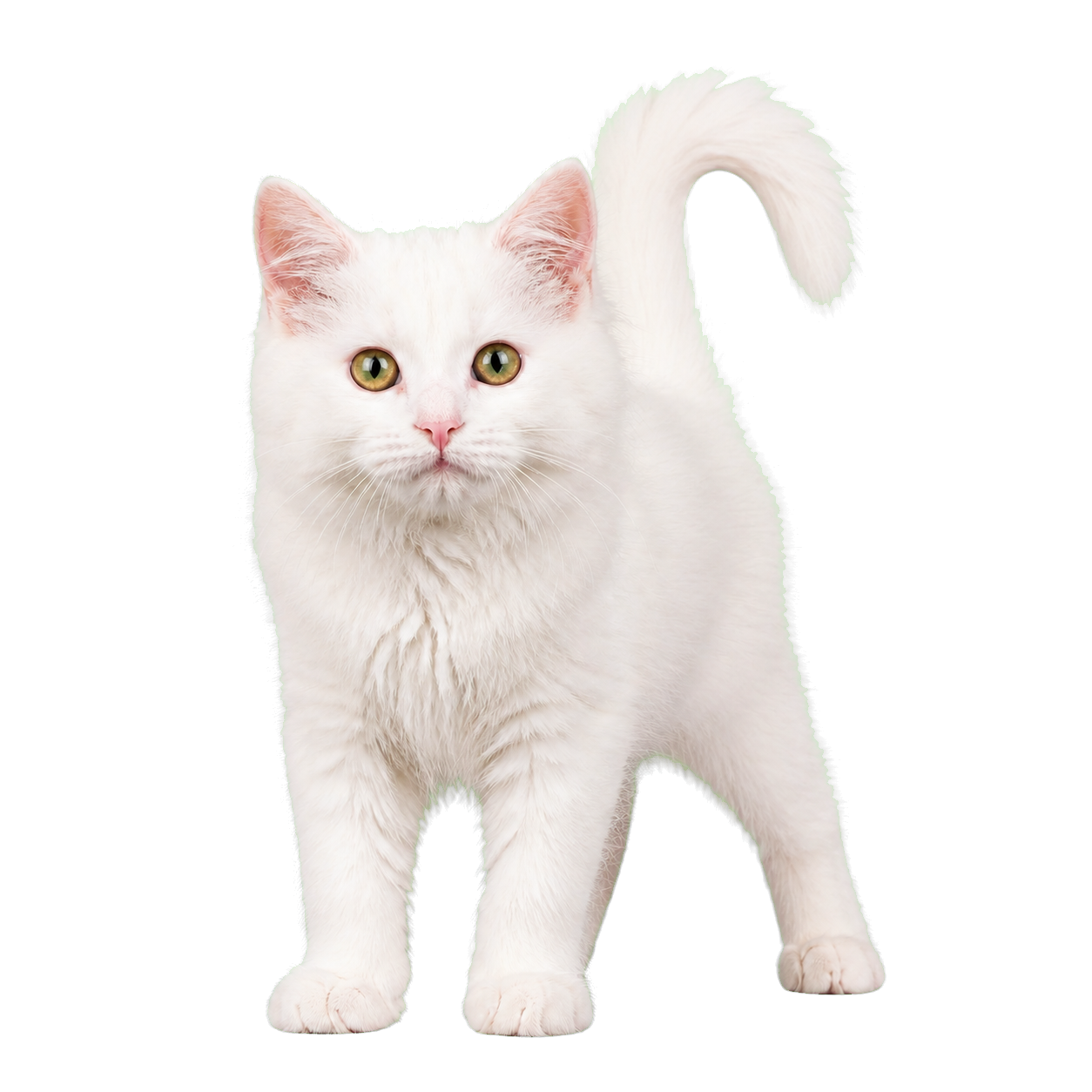
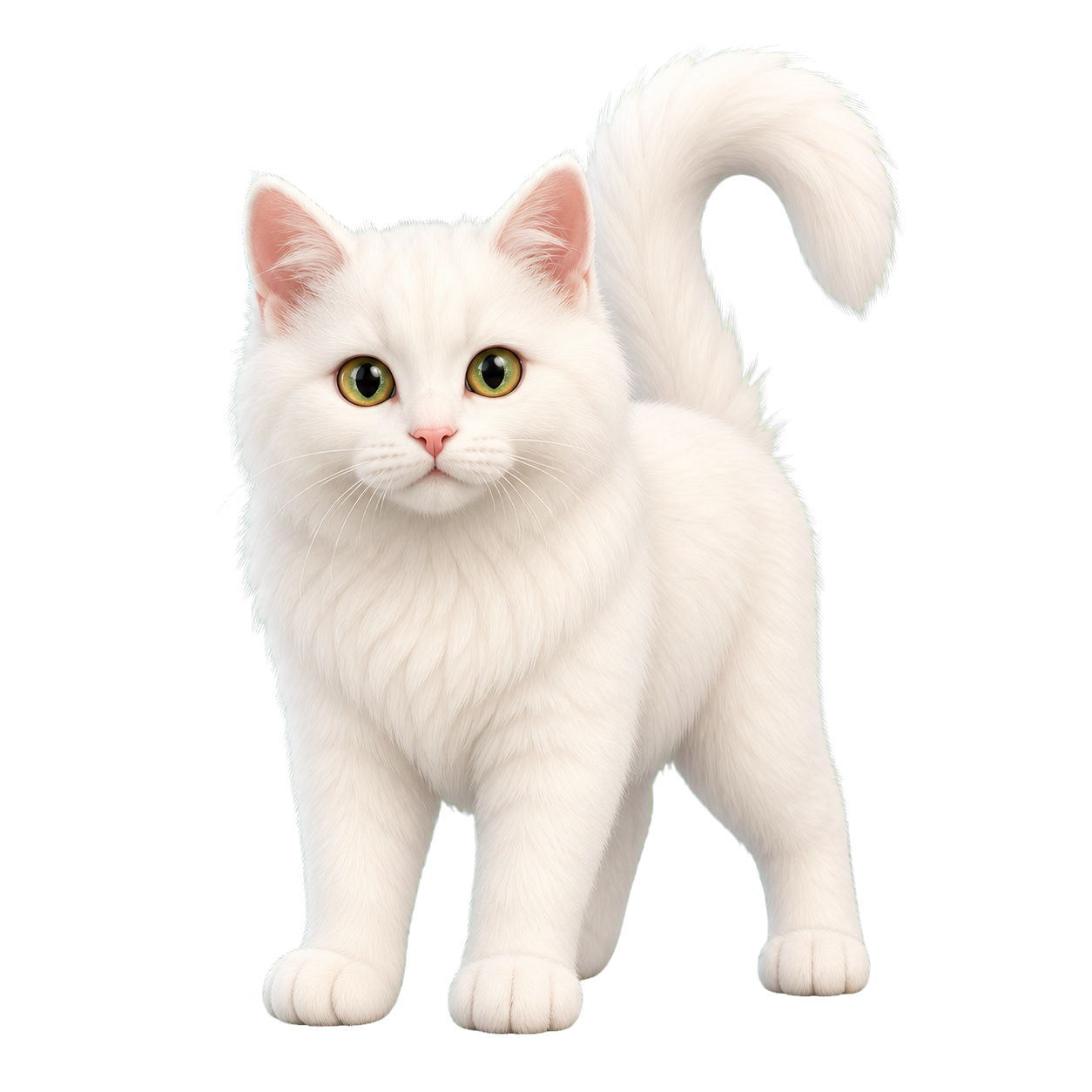
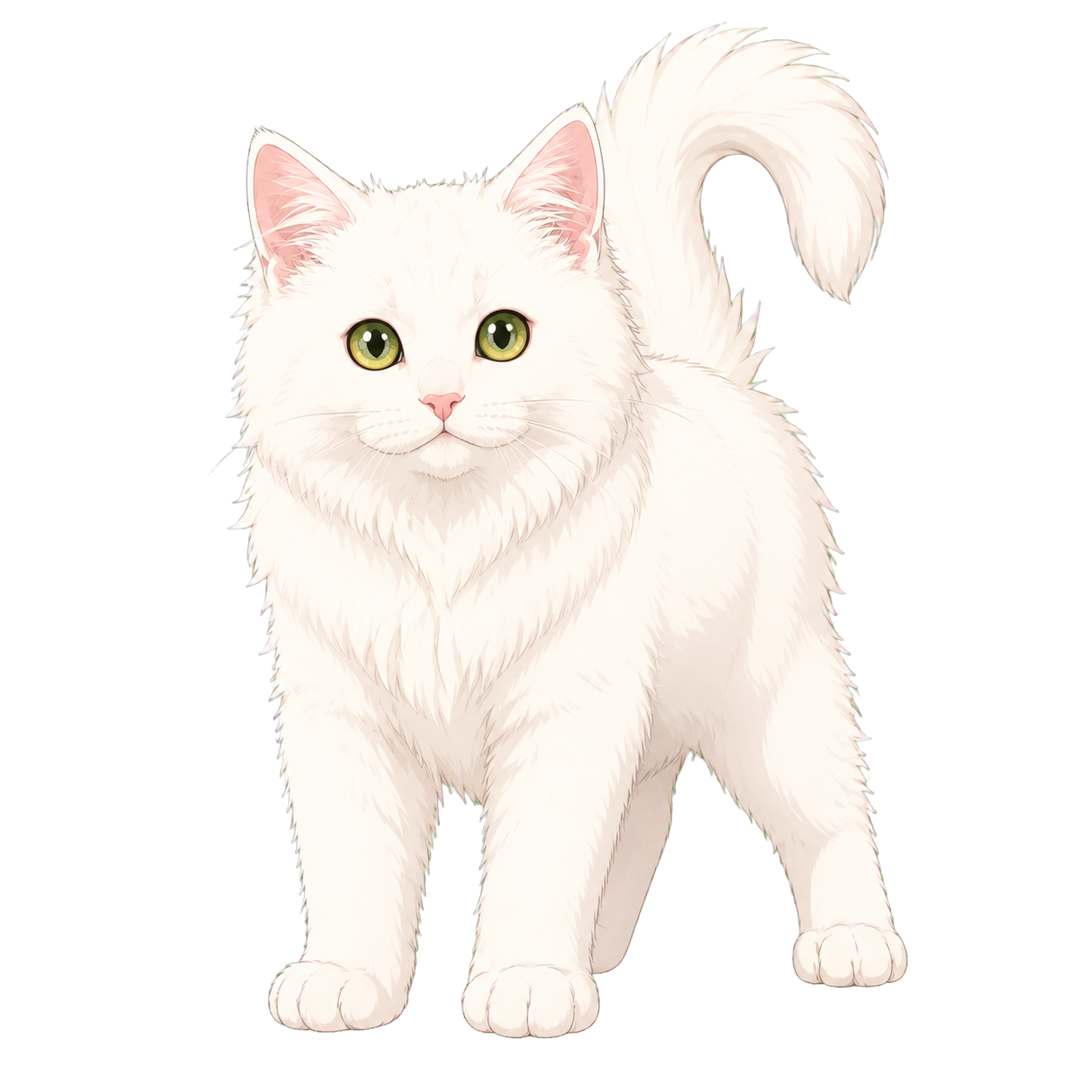
Create your Goober in the chosen style.
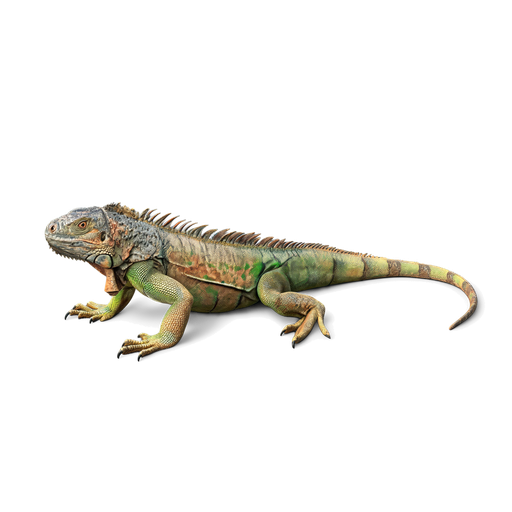
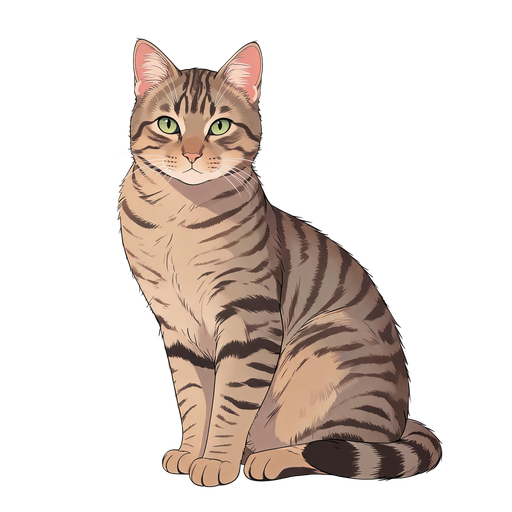
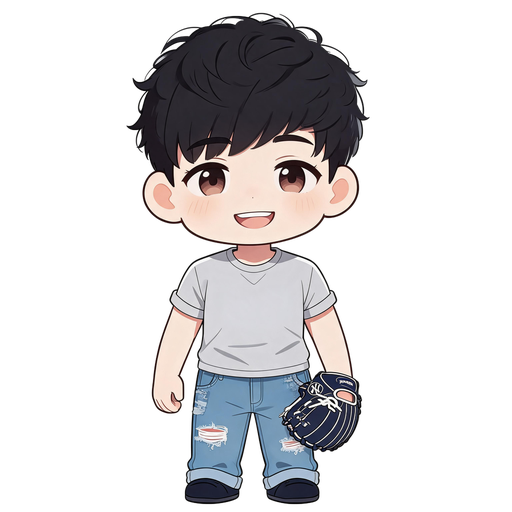
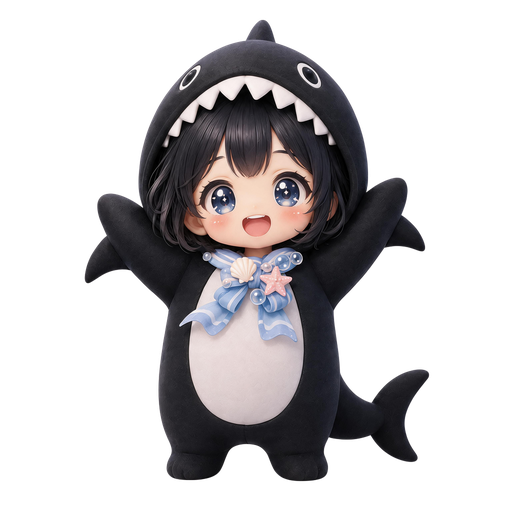
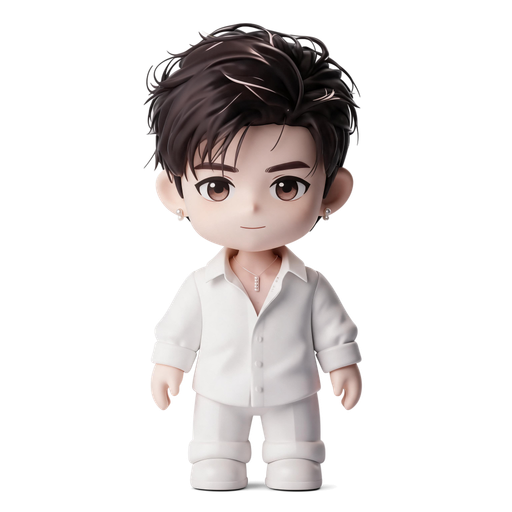
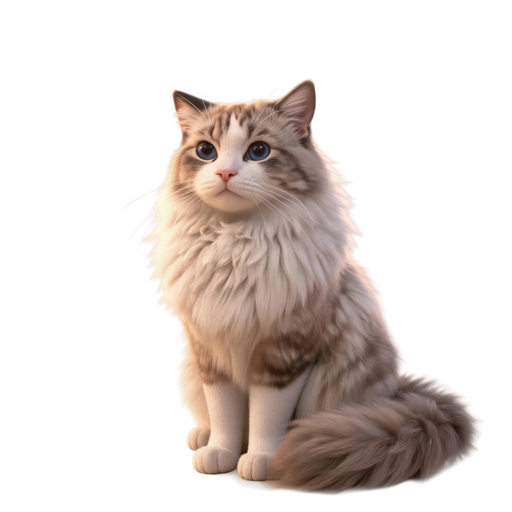
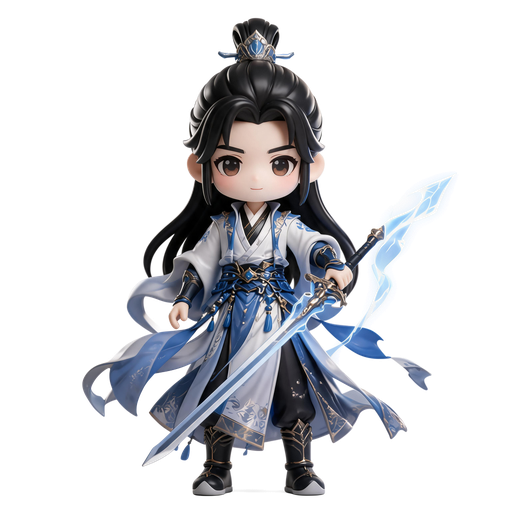
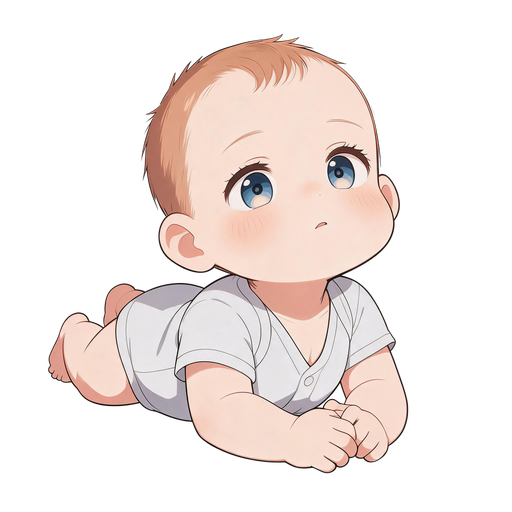
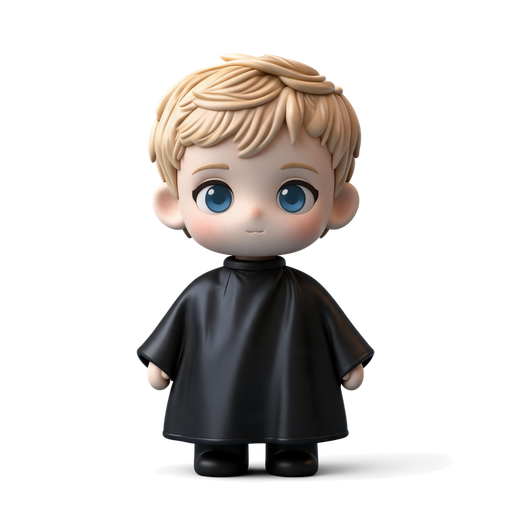
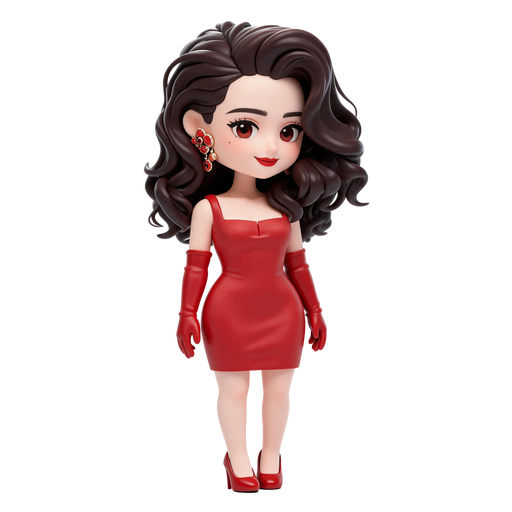
Three styles for pet photos and three for portraits.
Natural fur and lifelike texture.
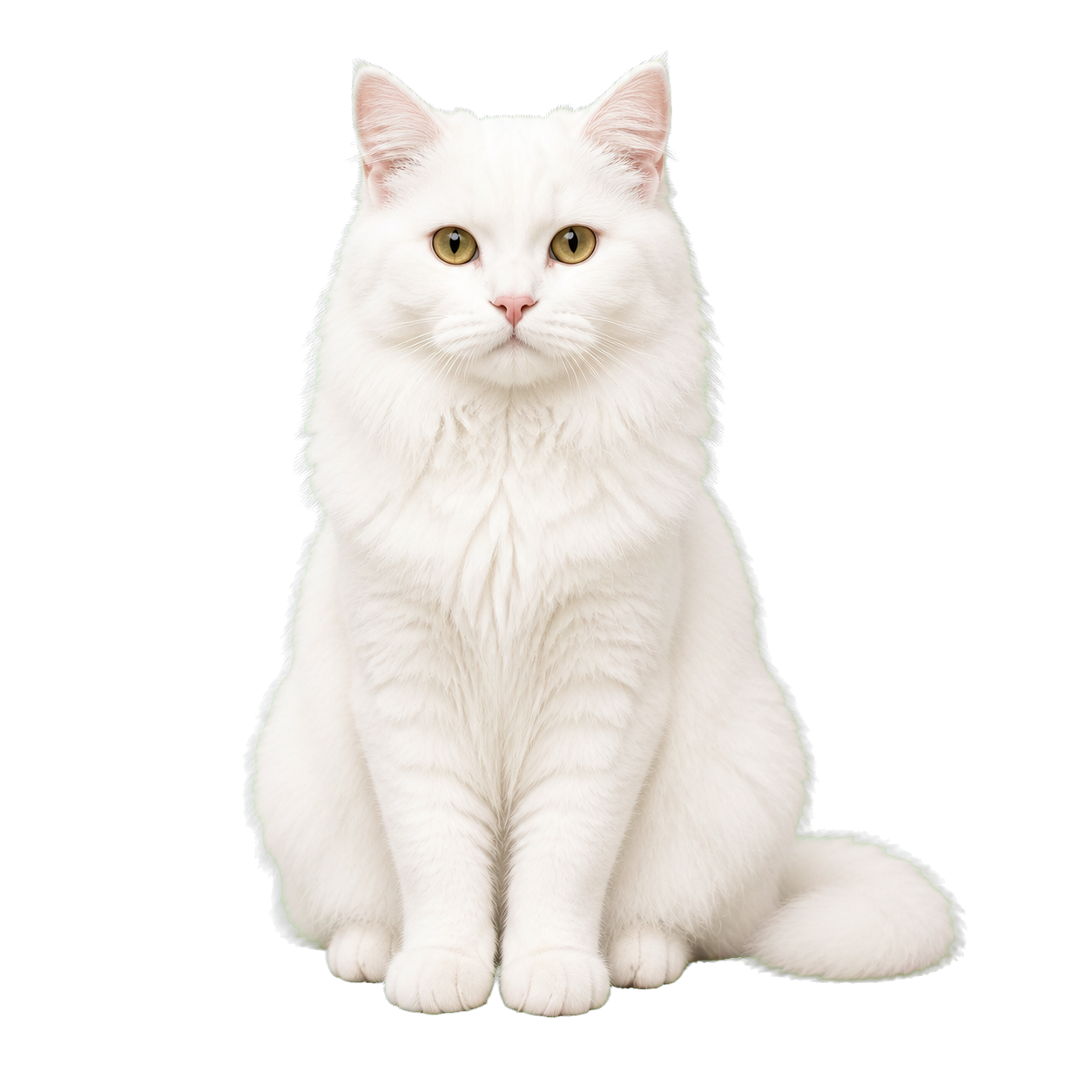
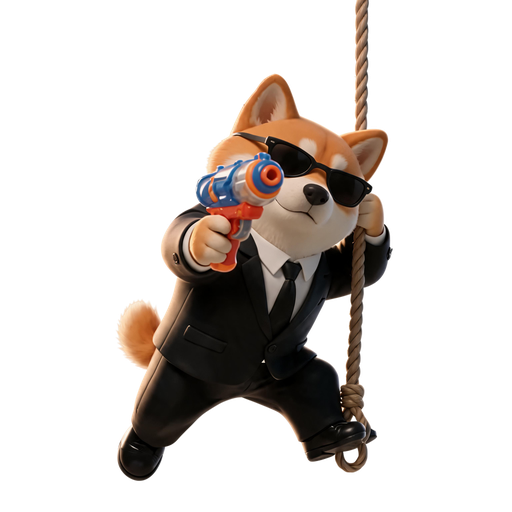
A soft, sculpted look with a 3D finish.
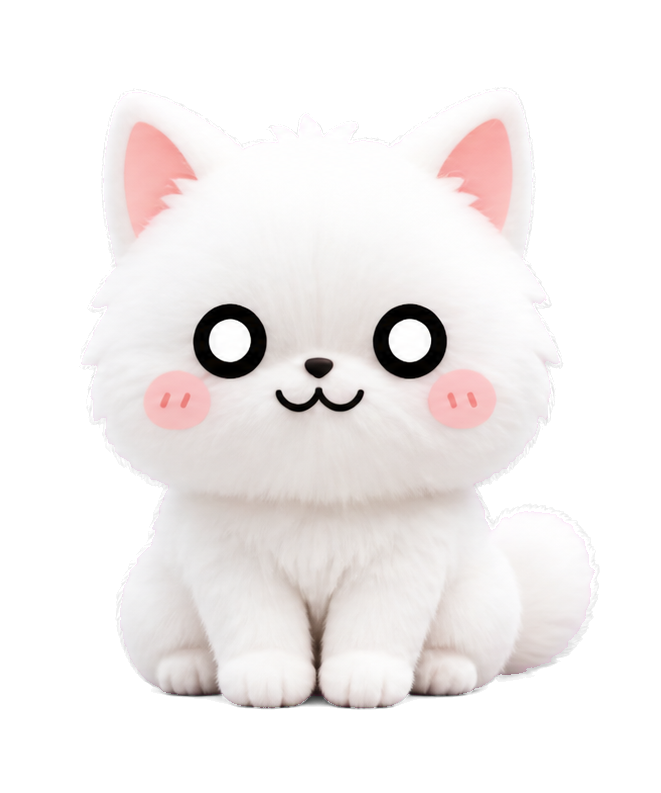
Clean lines and soft anime colors.
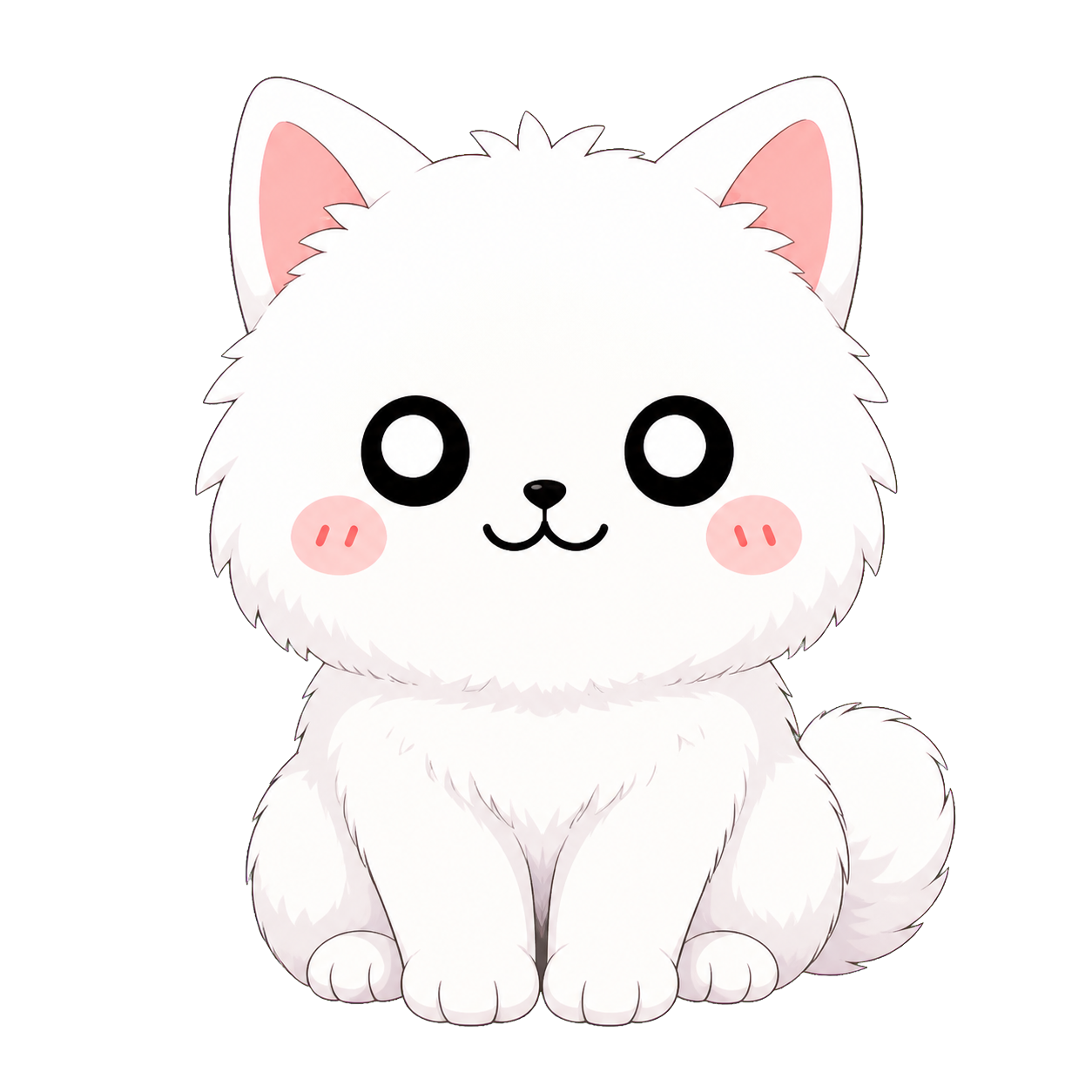
Upload your pet’s photo to create a Goober of your own.
A portrait cutout with a white paper border.

A cute 3D character with chibi proportions.
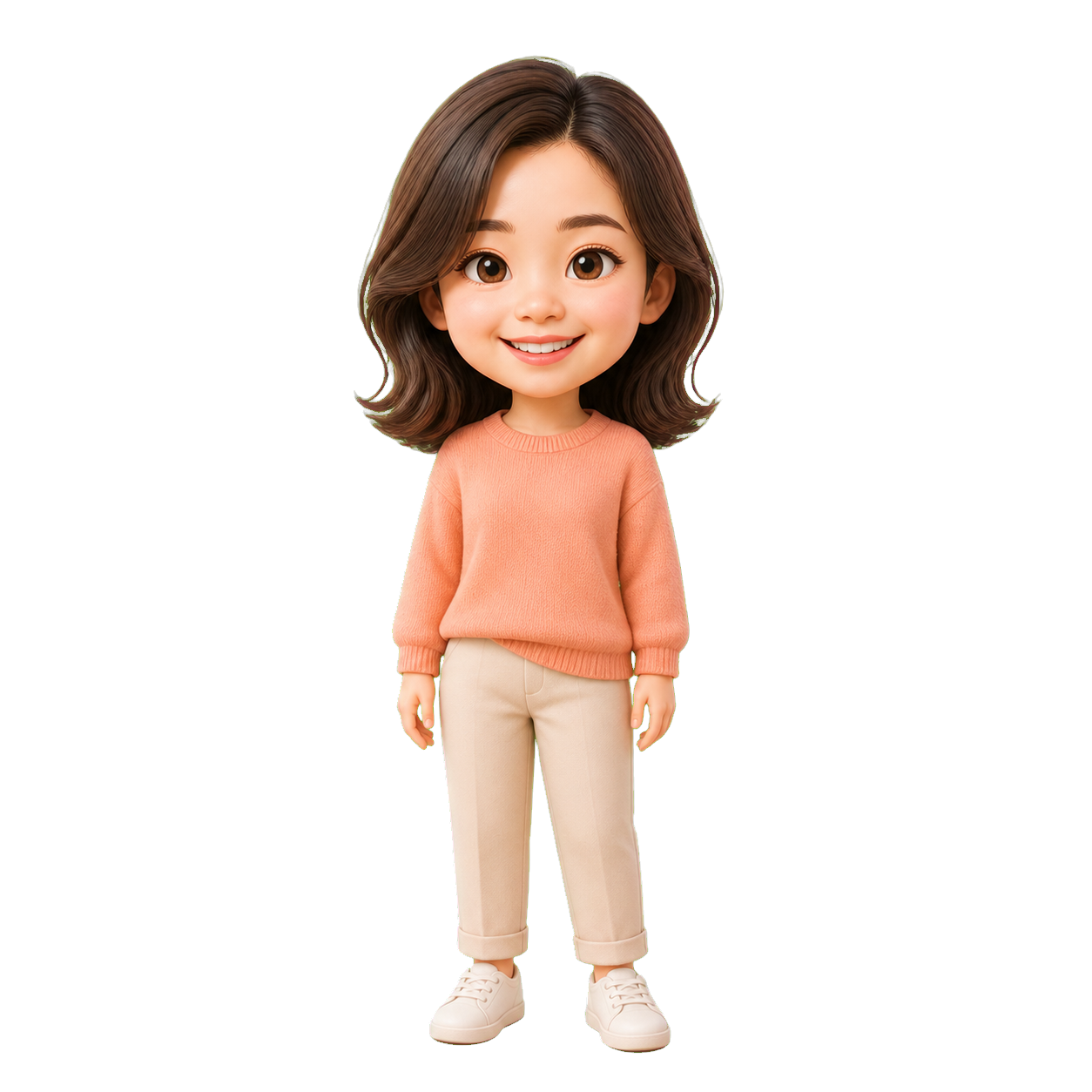
A lively anime character with chibi proportions.
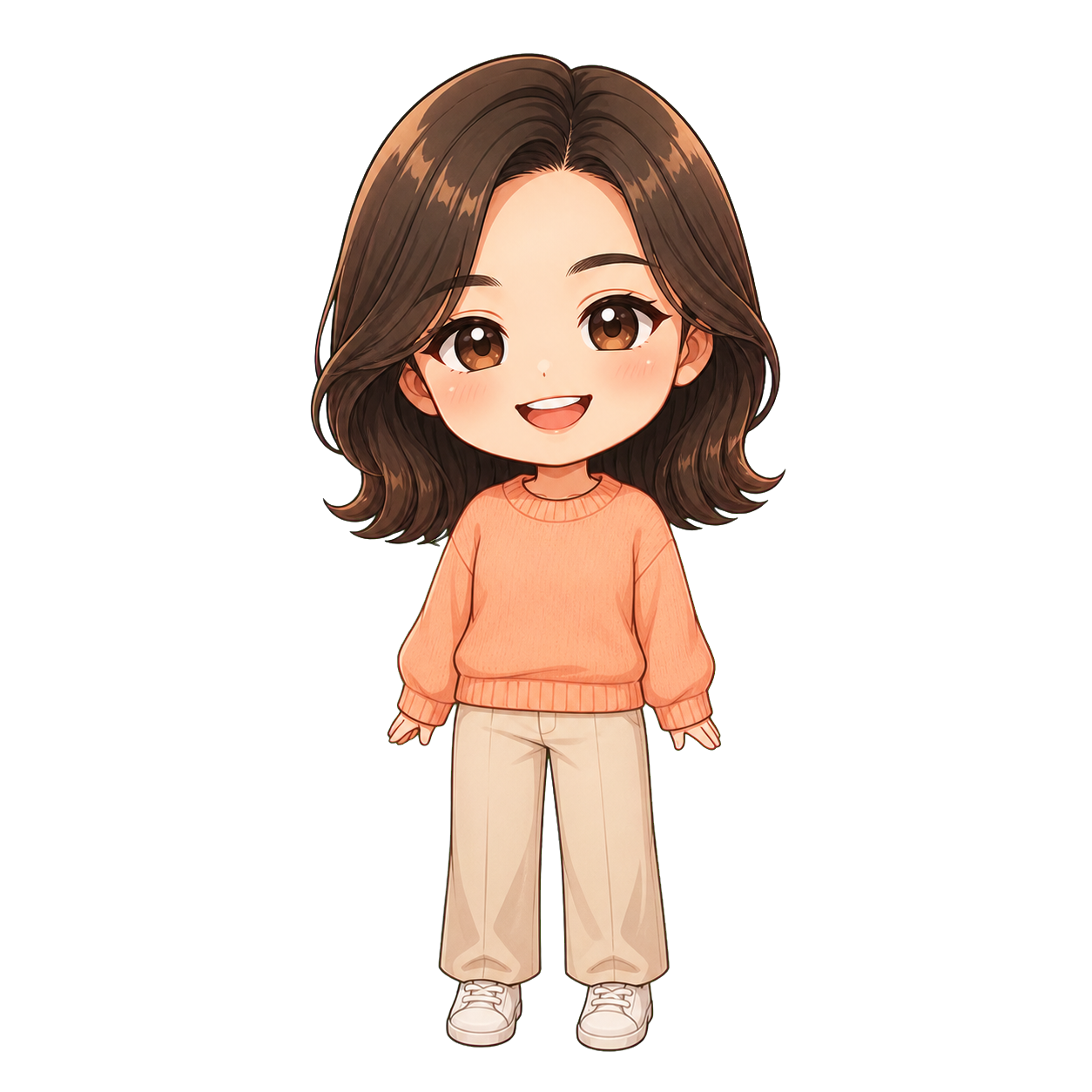
Upload a portrait to create a Goober of your own.
Every Goober comes with four interactive actions.
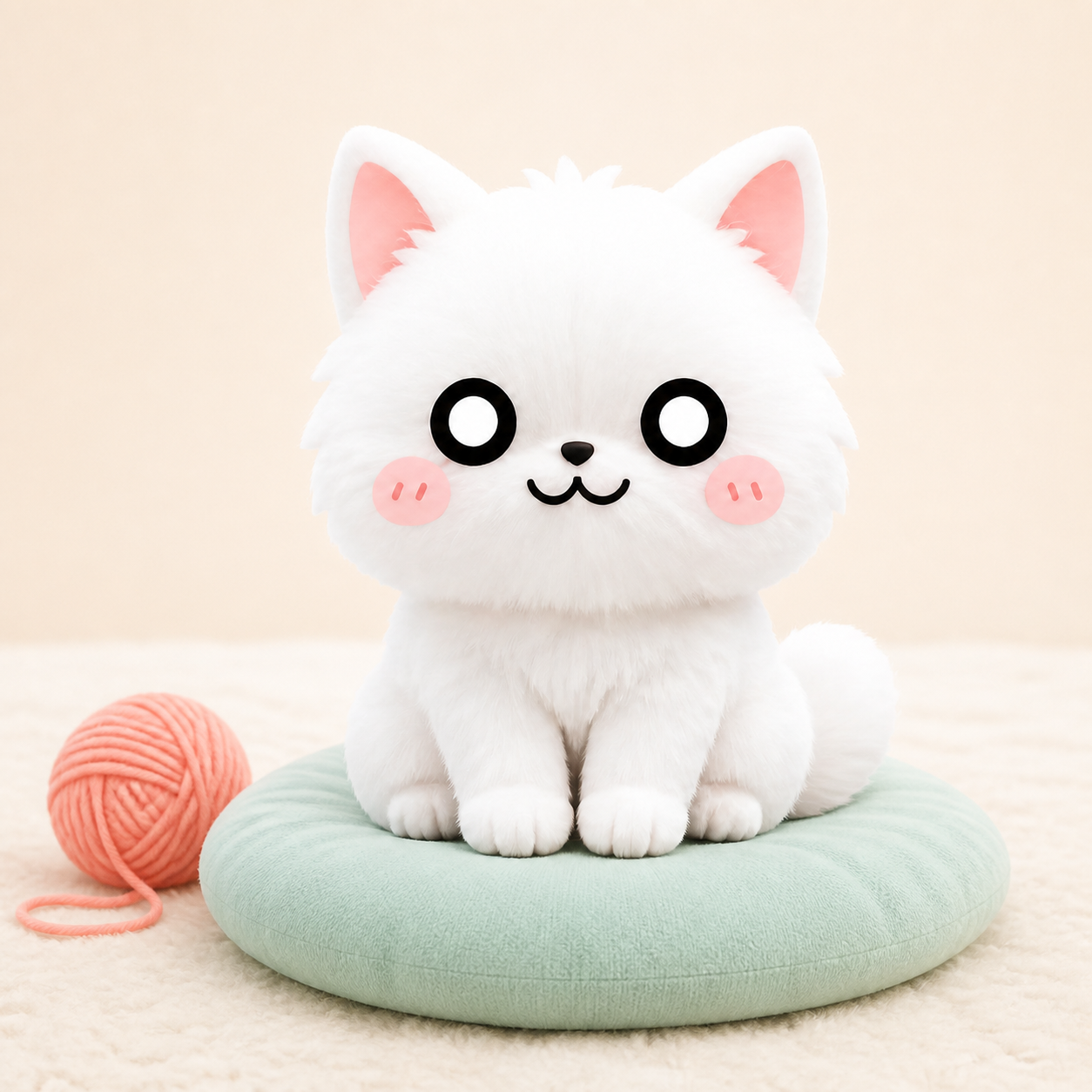
Your Goober stays nearby while you work or relax.
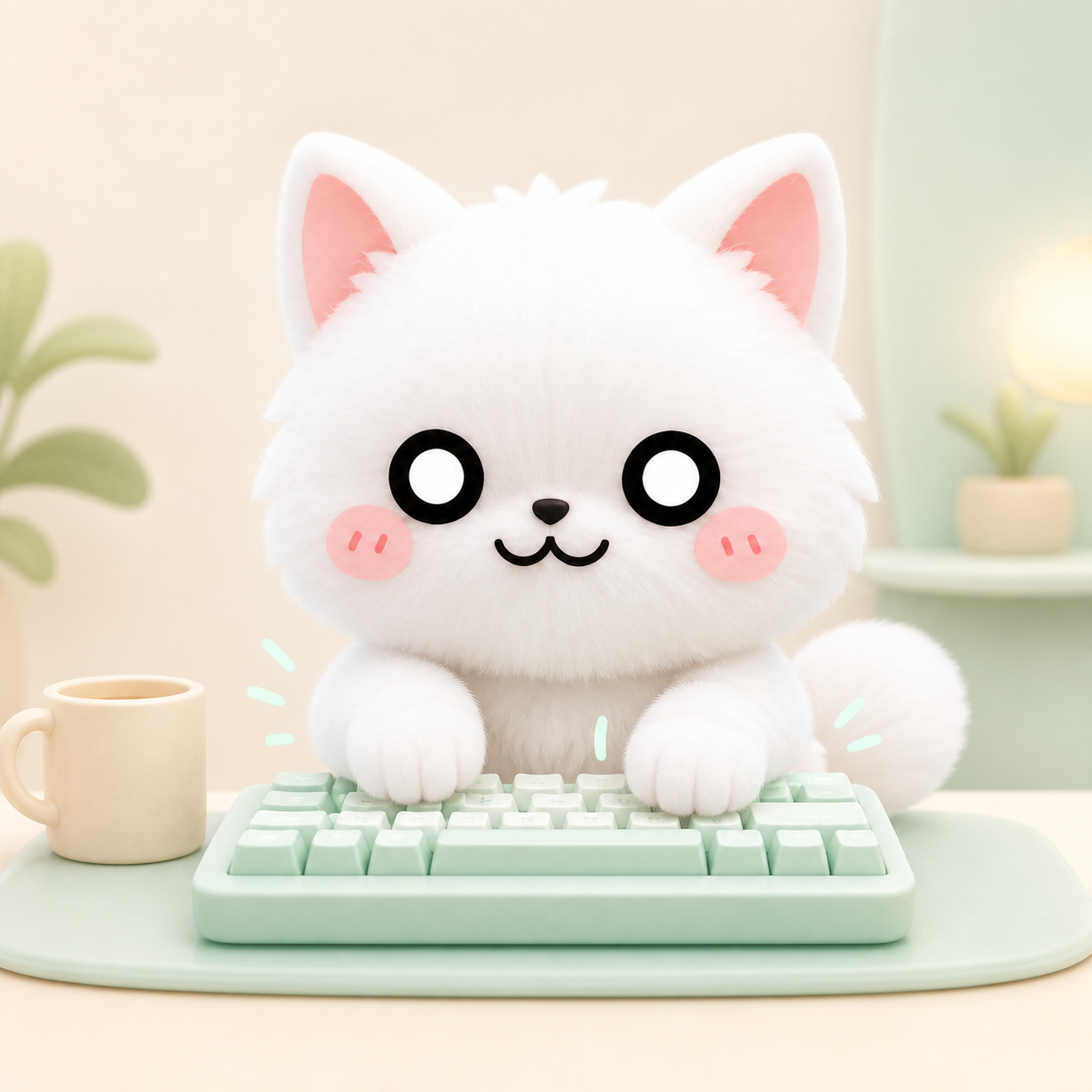
Your Goober types along as you use the keyboard.
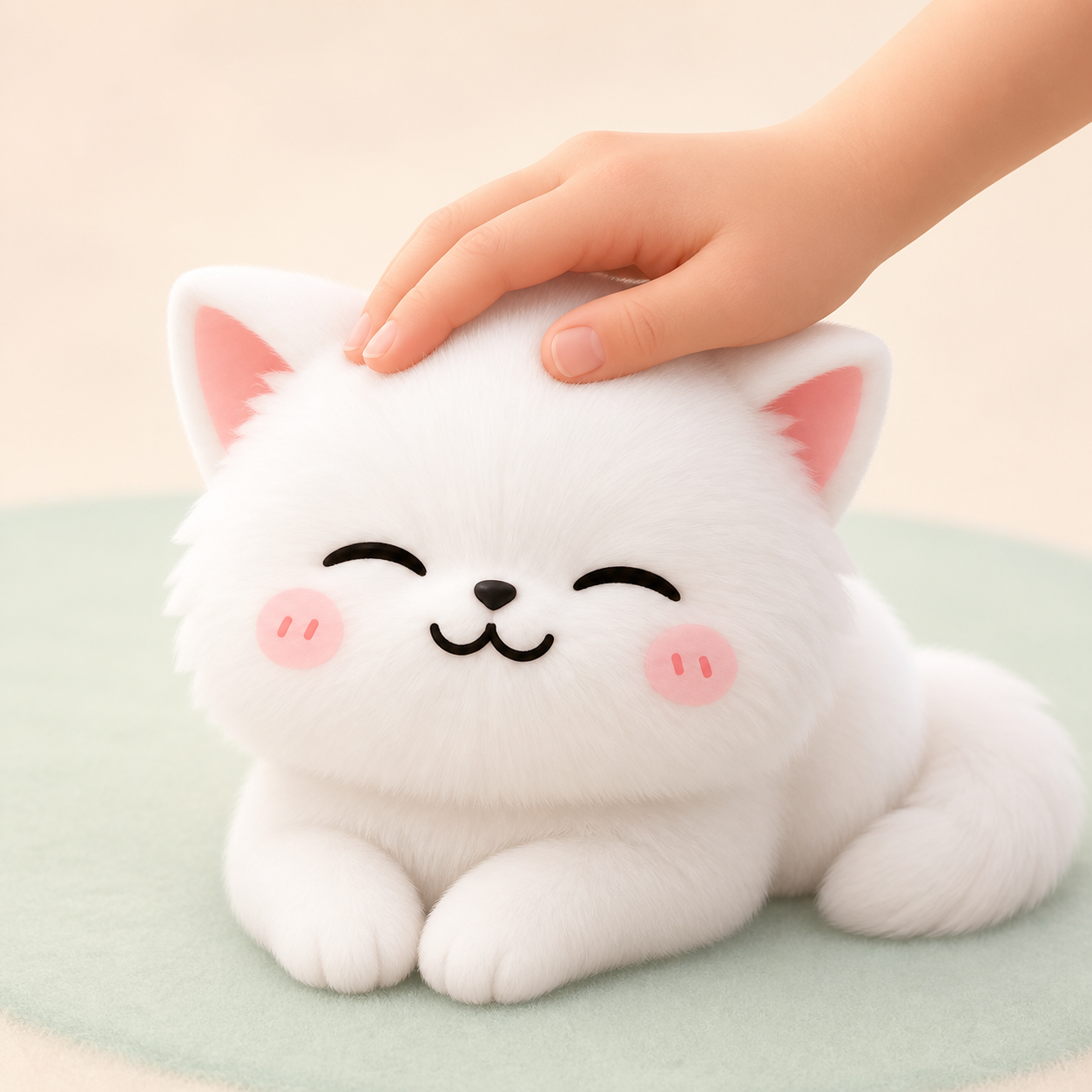
Give your Goober a gentle pat and watch it respond.
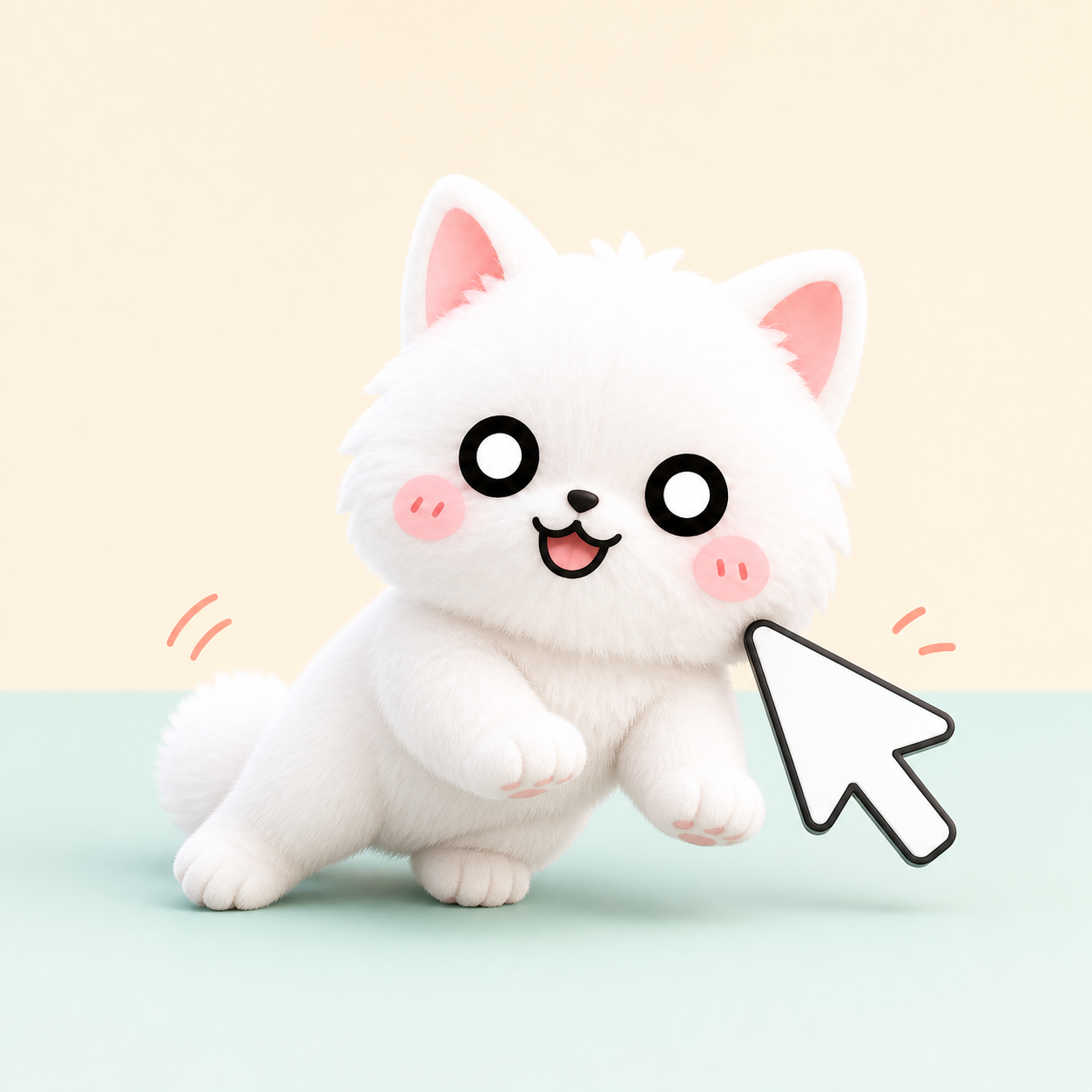
Move your Goober to any spot on your desktop.
Future updates can bring more actions and ways to interact with your Goober.
Find answers about the app, your Goober, and account Coins.
We are continuing to improve mygoober. Tell us:
Helpful, thoughtful feedback can earn you one free Goober with a custom appearance.